
Downloads
Material about vivotempo to view, download and pass on.
Presentation
vivotempo at a glance
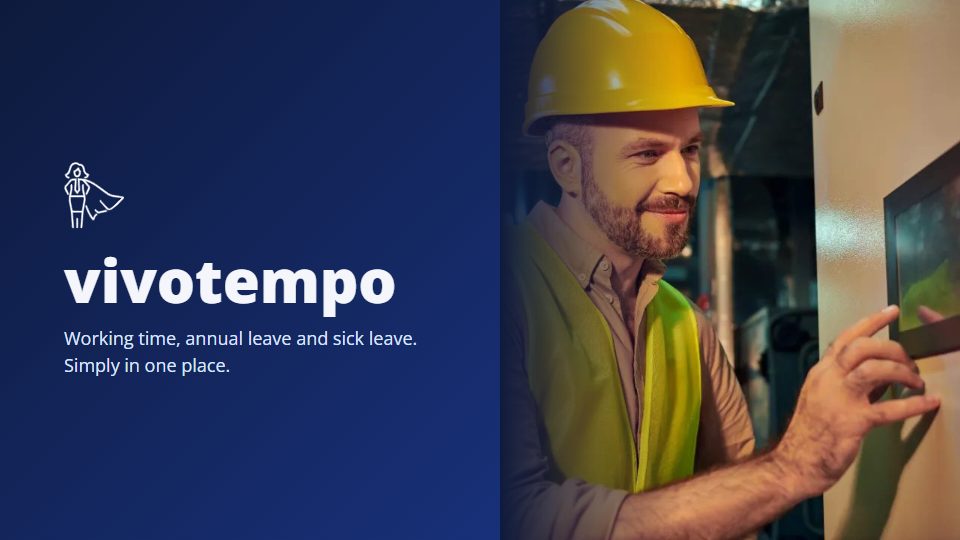
Working time, annual leave and sick leave. Simply in one place.
What vivotempo does, in 22 slides: terminal, working time, annual leave and sick leave. Easy to forward, also by messenger.
PDF, 22 slides
Download PDFAlso available in
What the presentation covers
Slide 1
vivotempo at a glance
Working time, annual leave and sick leave. Simply in one place.
Slide 2: What vivotempo takes care of
Four areas. One system.
- TerminalClock in at the wall with a single tap. Breaks applied by law, automatically.
- Working timeSee live who is working. Monthly figures and payroll export ready.
- Annual leaveRequested in a minute, approved with one click.
- Sick leaveReported without paper, discreet towards the team.
Slide 3: Terminal
Clock in at the wall. In seconds.
- One tap is enoughStart work, break, finish: large buttons, no menus.
- Any tablet becomes a terminalFull screen as an app, no special device needed.
- No training neededEveryone sees their day at once: start, breaks, hours.
Slide 4: Terminal
Five ways to sign in
Each company chooses what suits it.
- NameTap it in the list
- PIN4 to 6 digits
- NFC cardHold up a card or tag
- QR codeHold the code to the camera
- FaceRecognition if wanted
Slide 5: Terminal
The whole day at a glance
- Start, break, hoursEverything for today, without searching.
- The day as a barWork in green, breaks in yellow.
- Finish with one tapThen the terminal shows the summary of the day.
Slide 6: Terminal
Breaks by law. Automatic and fair.
- 30 min after 6 h, 45 min after 9 hIf a break is missing, vivotempo deducts the minimum break.
- Sliding instead of flatNever more deducted than needed.
- A night shift stays one shiftEven with a break after midnight.
Slide 7: Terminal
Reliable, even when something goes wrong
- Keep clocking without internetThe terminal remembers every entry and sends it as soon as it is back online.
- Forgot to clock?Correct the time right at the terminal if the company allows it. With a reason and a complete history.
- A forgotten finish gets noticedIf a time runs unusually long, the terminal asks instead of counting on silently.
Slide 8: Terminal
Usable for everyone
- Text up to 200 %One tap at the bottom left, even before signing in.
- Speech outputThe terminal announces what happens.
- More timeTwice or four times as long before the screen goes back.
Slide 9: For admins and HR
Who is working right now? One glance is enough.
Slide 10: Management
See live who is in
- Updates by itselfNo reloading, all day long.
- Since when, how longStart and hours of today for each person.
- Absences includedAnnual leave and sickness appear in the same overview.
Slide 11: Management
The month is done before it ends
- Target, actual and balancevivotempo calculates flexitime and overtime itself.
- Punctuality judged fairlyStart windows per person or company, also for shifts.
- Payroll export and lockingFor DATEV and Lexware. Closed months stay as they are.
Slide 12: On the road and at home
Clock in on your phone too
- In the browser, no installationStart and break on a phone or a PC.
- The same rules everywhereBreaks, start windows and corrections as at the terminal.
- Your own account in viewEveryone sees their hours and remaining leave.
Slide 13: Annual leave
Requested in a minute. Approved with one click.
No paper slips, no spreadsheets, no chasing.
Slide 14: Annual leave
One request, two dates
- vivotempo counts the daysWeekends and public holidays of the location do not count.
- Half days tooFor the afternoon at the doctor or the short Friday.
- Remaining leave always visibleEveryone sees their balance, at any time.
Slide 15: Annual leave
Decide with one click
- Notified at onceTeam leads and HR receive an email and a notification.
- Comment and internal noteFor questions, without everyone reading along.
- Clear feedbackThe person learns the decision right away.
Slide 16: Team calendar
Who is away when?
- The team at a glanceChoose people freely.
- Spot bottlenecks earlyEven before the next request is approved.
- Public holidays includedMatching the location.
Slide 17: Leave account
Remaining leave, always calculated right
Carry-over into the new year with the year-end closing. Sick during leave? The days come back.
- 30 days entitlement
- 13 days taken
- 17 days left
Slide 18: Sick leave
Report sick, without paperwork
- Reported from the sofaIn the portal on a phone, also “until further notice”.
- Upload a sick note or tick eAUThe certificate is stored safely with the report.
- HR knows at onceBy email and notification.
Slide 19: Sick leave
Discreet and fair
- The team only sees “Absent”Reasons stay with HR and management.
- Sick during leave does not count as leaveCertified sick days are credited back, under § 9 BUrlG.
- Health bonus if wantedA bonus for few days off sick, calculated automatically and pro rata.
Slide 20: Trust
Your data stays in Europe
- Servers in ParisHosted in the EU, under the GDPR.
- Two-factor and passkeysBy app, code by email or passkey.
- Roles and rightsEmployees, team leads, HR and admins only see what they need.
- DPA onlineConclude the data processing agreement right in your account.
Slide 21: For every team
From the small trade business to the large company
German, English, French, Italian, Latvian, Slovenian, Ukrainian.
- 7 languages in the portal
- 2,000+ employees in the load test
- 5 ways to sign in at the terminal
Slide 22
Less admin. More time for the team.